Television, video game, etc. MIDI arrangements
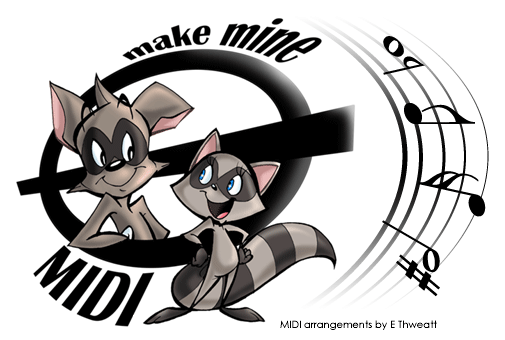
Click the notes and accidentals on the staff to navigate
|
***Last Updated November 3, 2011*** |
|
NEW MIDIs 11/3/11 Video Games: Mario Kart DS - Waluigi Pinball Swing Band RemixWaluigi Pinball is one of the best songs from Mario Kart DS, and for a long time I've wanted to here a swing version. This is what I ended up with. |
|
Image map reference… Sharp > tv/movie arrangements ½ note > video game arrangements 16th note > on the radio arrangements 8th note > misc. arrangements/compositions Flat > work in progress arrangements Whole note > links page MIDI > main page |
|
How These Midis Were Made I create all midis with an old program called Cakewalk Express 8. I find a sound reference of the song I want to recreate (MP3, WAV, taped recording) and based on what I'm hearing, I place the notes onto the staff for each track. The program has one drum track by default where each note on the staff represents a different percussion sound. After notes have been added they can be still edited for a more accurate duration. The program also allows fading in and out the volume and using pedal effects. It can do some other junk, I’m sure, but I just know the basics and stick to them. |
|
Make Mine MIDI (MMM) - E. D. Thweatt aka thweatted 2007 |